
Upon logging into your account, users are by default directed to the "Upcoming Transfers" tab, which is automatically filtered to show transfers scheduled for the current month. If you are unable to locate a transfer, it is most probably scheduled for a future date.
Scenario #1:
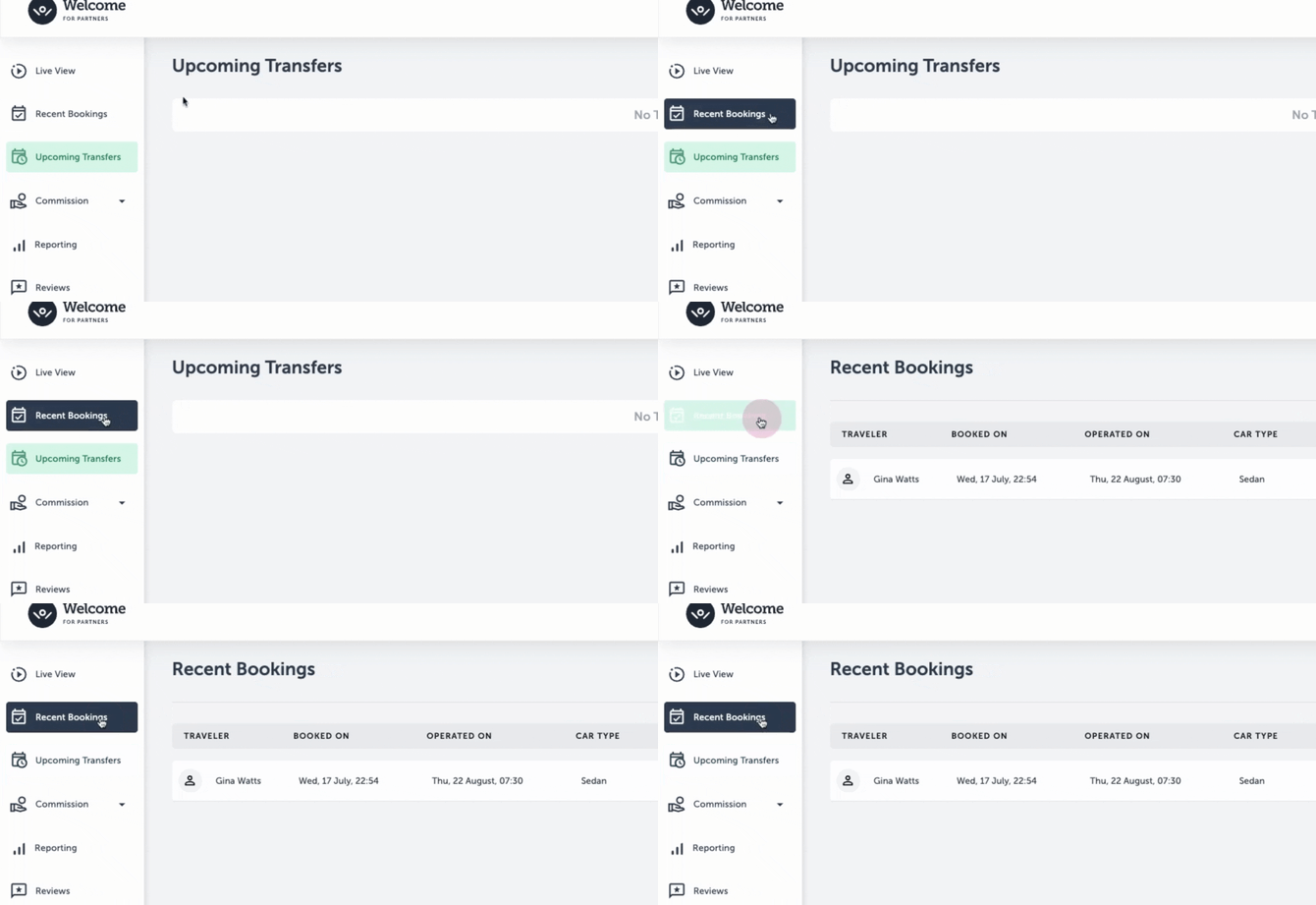
If you are unable to locate a transfer in the "Upcoming Transfers" tab, and it was booked recently, be sure to check the "Recent Bookings" tab:
Scenario #2:
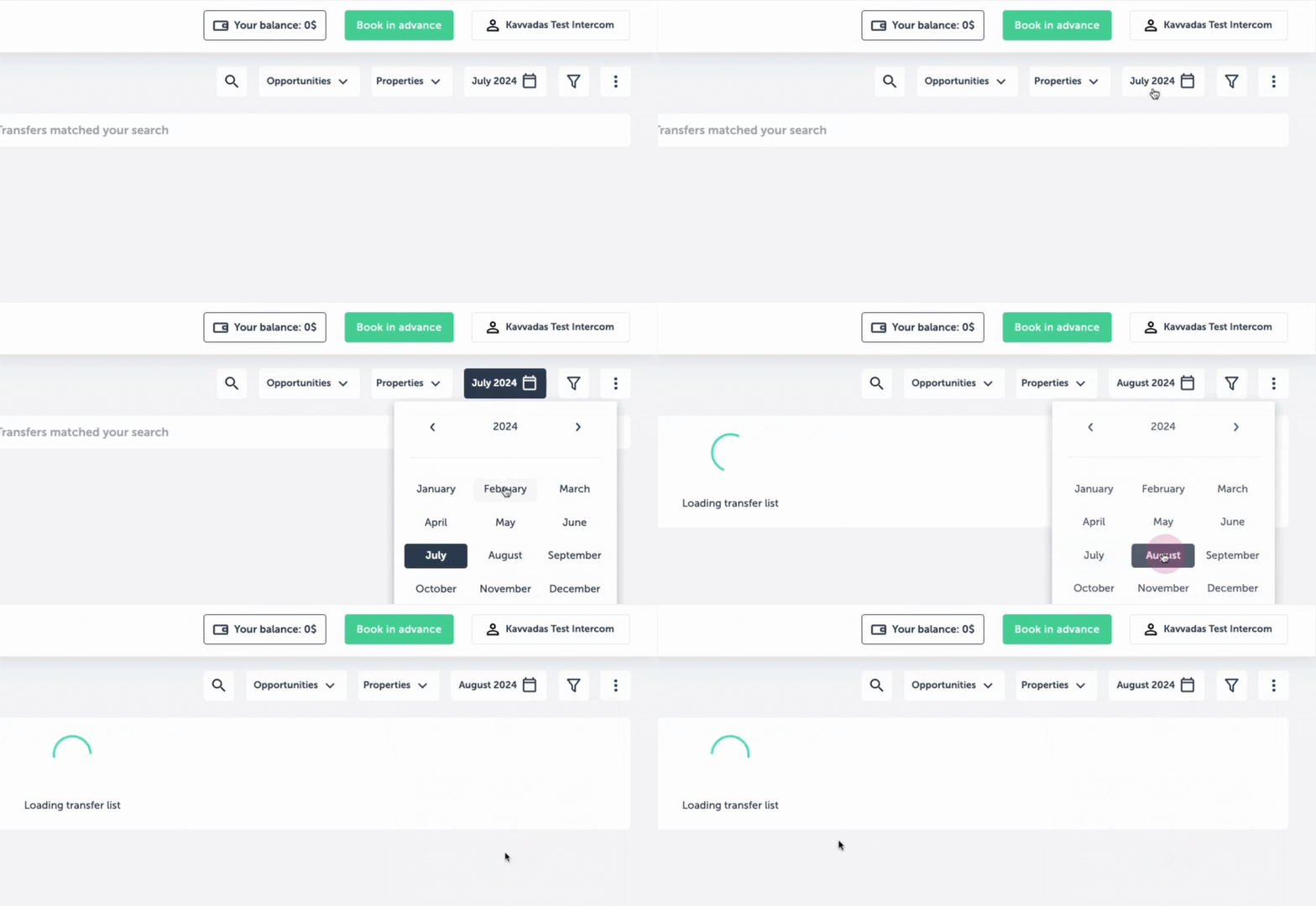
If the transfer was not recently booked, stay in your "Upcoming Transfers" tab and make sure to filter by the month when the transfer is scheduled to occur:
Scenario #3:
If the transfer is not showing in your account, it’s because it was not booked through your dashboard. Instead, it seems that it was booked through the application or website.
To make sure the transfer appears in your account, please log in to your dashboard, go to the top right corner, and click on “Book in Advance.” From there, you’ll be able to see the booking in your dashboard.
Important note: In any case, if you still can't see your transfer on your dashboard, please send us the order ID (e.g. w-00000-1) and any other questions you may have on partnerships@welcomepickups.com.
← Back to Travel Agents Help Center