
Verify your account
After you submit the registration form, you will be prompted to verify your email address.
Start referring right away
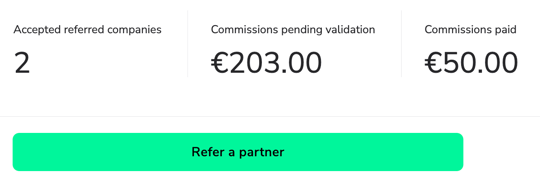
Now, you can start sharing potential partners with our team right away using the button you can find in your account:
Setting up your payment details
To be able to receive commissions, you need to provide us with your payment details.
1. Sign in to your ambassador account
2. From the sidebar menu click Tax & Payout Settings
3. Choose your preferred payment method (you can choose either a direct bank transger or PayPal)
Good to know: PayPal payments come with a 2% processing fee capped to 35 EUR (±40 USD).
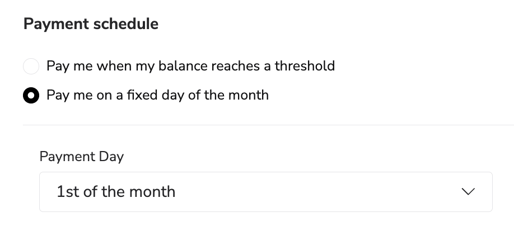
4. Choose your payment schedule (when to receive your commissions)
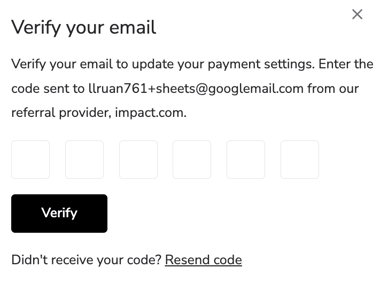
5. Verify your email to confirm your identity
Note: The system might ask you to submit a tax form depending on your country of residence.
Now your account is eligible for commissions. The team might reach out to you for additional information in case the system wants to know more about you. `
Still have questions? We're just an email away: ambassadors@welcomepickups.com